Quotes go out. Follow-up actually happens.
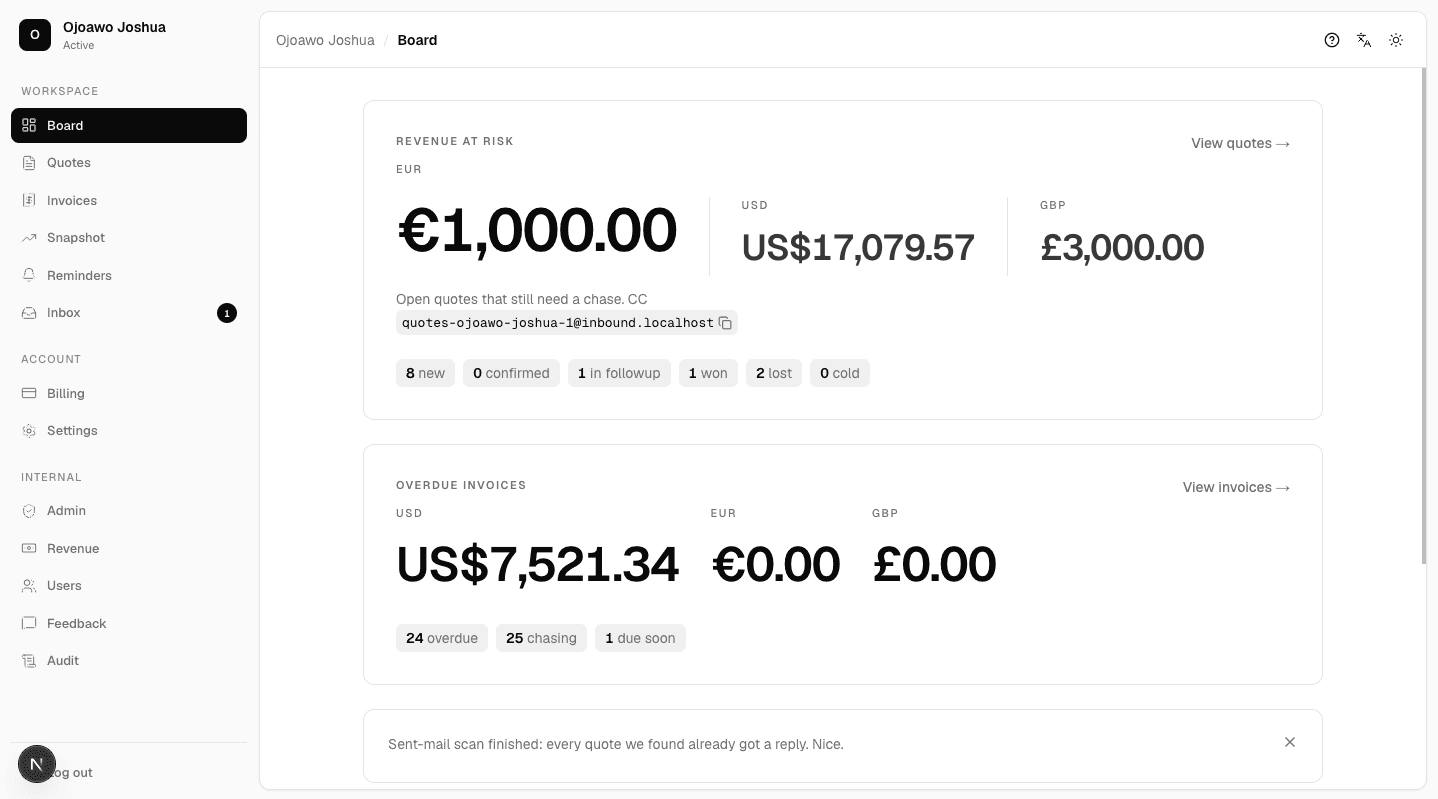
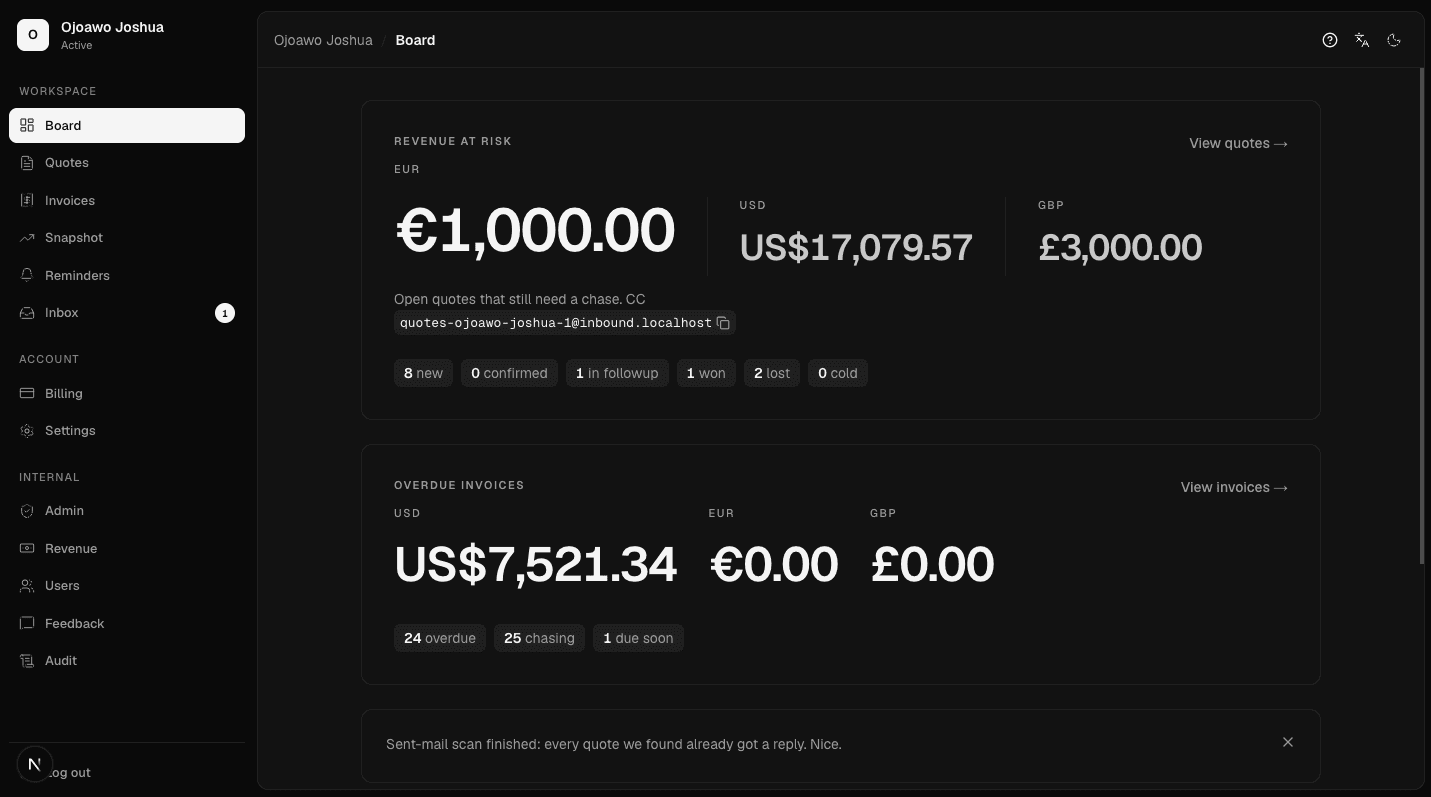
Catch quotes from Gmail, QuickBooks, or a CC. Draft follow-up emails on your cadence. You confirm, then tap send or auto-send. When they write back, a reply draft is waiting.
Works with the tools shops already use.
Built for one job: follow-up
Not another ops platform. Detect, draft, approve, send.
How it works
- 1
Send the quote as you already do. CC the inbound address, connect Gmail, or send from QuickBooks or Xero.
- 2
We extract the customer, job, and amount. You confirm.
- 3
Drafts on your days and tone land in Inbox. You tap send, unless auto-send is on.
- 4
If they reply, we draft an answer. Find it by name, then send or skip.
First login walks the board. Ask or send feedback from the header any time.
Questions shops ask
How do quotes get into Quote Follow-Up?
- CC your forwarding address when you send a quote, connect Gmail to pull sent mail, or connect QuickBooks or Xero so sent estimates land on the board.
Do I have to approve every follow-up?
- You confirm every quote. Follow-up drafts wait in Inbox until you tap send, unless you turn on auto-send. Auto-send never skips quote confirm.
What does it cost?
- One shop plan: $19, €19, or £15 a month. 14-day trial, no card to start.
Who is it for?
- HVAC, plumbing, and similar trade shops that send quotes and lose jobs because nobody followed up.
Does it work in other languages?
- The app runs in English, Deutsch, Français, or Español — pick it in Settings or from the header. Follow-ups are written in that language too.
Simple pricing
14-day trial. No card to start.
For trade owners
HVAC, plumbing, and similar shops. Phone-first. After hours. If the quote went out and nobody chased it, that is the product.